How to change SQL Server Collation on Linux
MSSQL, SQL On Linux How to change SQL Server Collation on Linux, SQL Server on LinuxIn this article, we will discuss how to change SQL server collation on Linux platform. you can also refer my old post here in case you need any help on installing SQL Server 2019 on Linux platform.
Step#1: Check current SQL Server collation

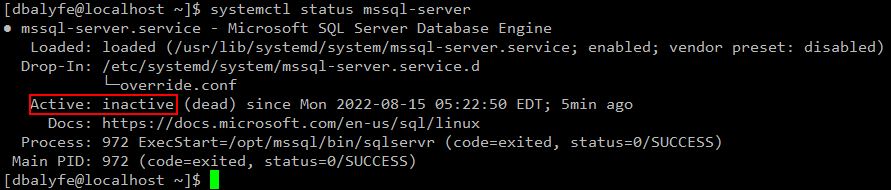
Step#2: Stop SQL Server Service
sudo systemctl stop mssql-server — to stop SQL Server Service
systemctl status mssql-server — SQL Server Status check
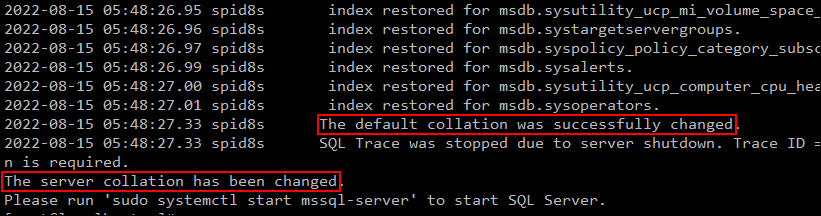
Step#3: Change SQL Server collation using mssql-conf
sudo /opt/mssql/bin/mssql-conf set-collation

Step#4: Start SQL Server Service and verify new collation
sudo systemctl start mssql-server — to start SQL Server Service
systemctl status mssql-server — SQL Server Status check
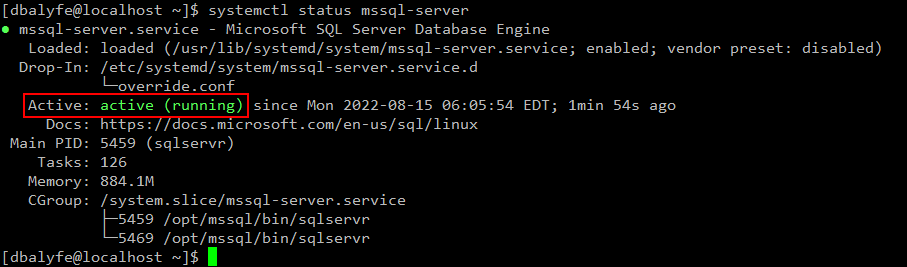

we can see that SQL Server Collation is successfully changed now.